Tsumugu
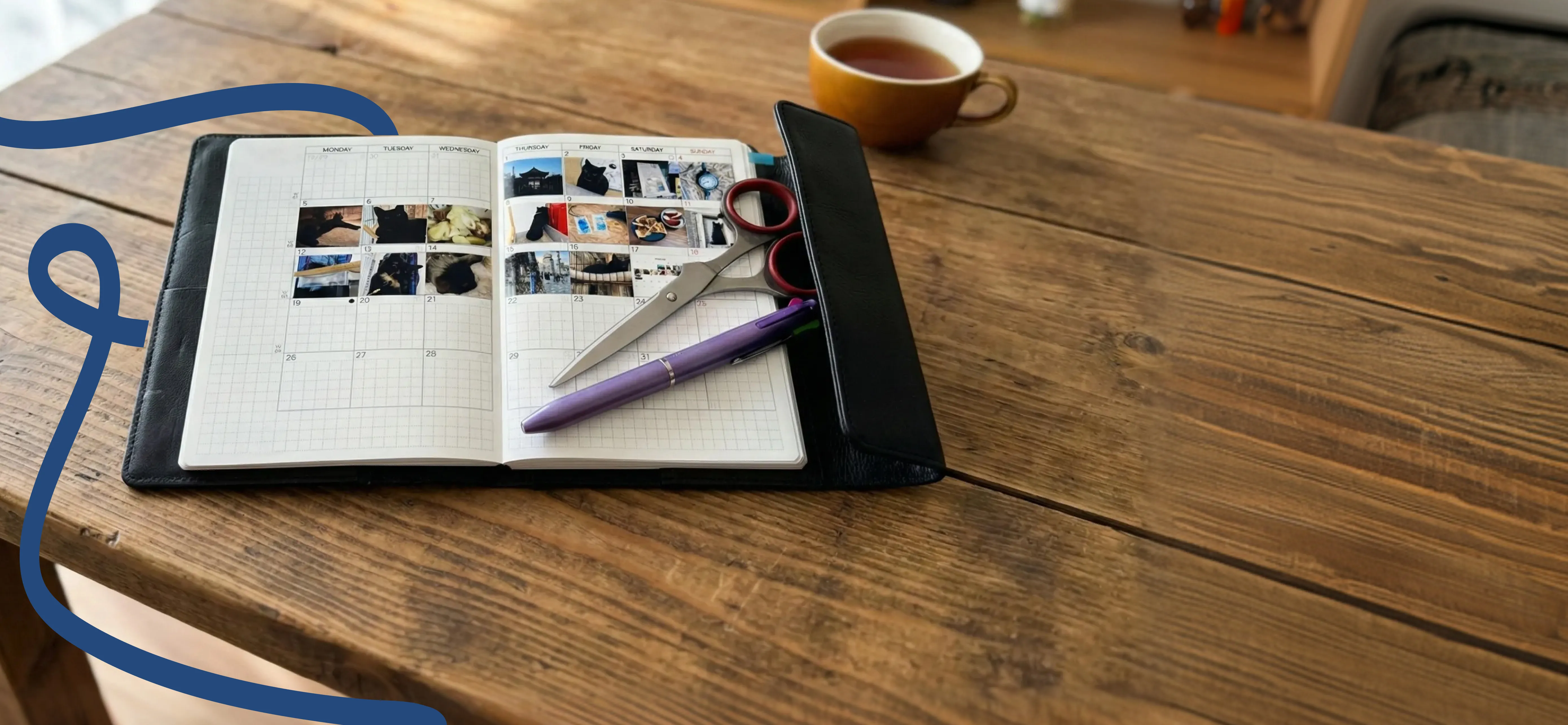
Select one photo per day. Print in the perfect size for your planner. Create your own photo diary.

Features
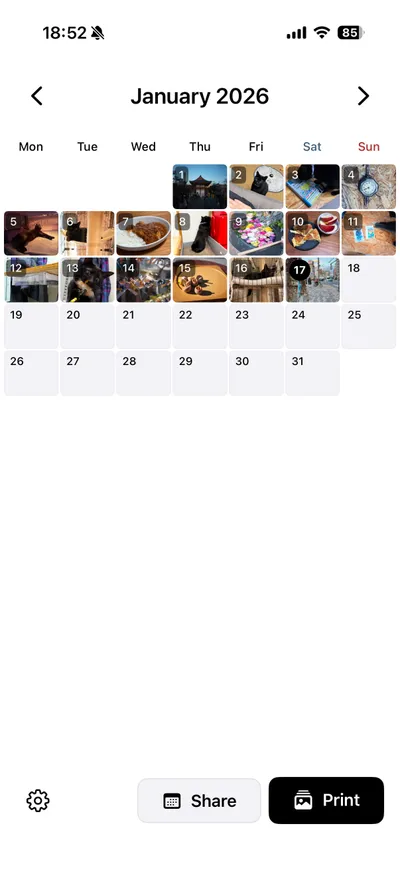
A simple and easy-to-use photo diary app
Just pick one photo daily
Tap a date on the calendar and select a photo from your library for that day.
Planner-sized printing
Printed in a mini size perfect for planners. The default size is 22.5 x 18.5mm. It can be customized within the range of 10 to 50mm.
Multiple paper sizes
You can choose from A4, postcard, and L size. You can print according to your printer specifications.
Share on social media
You can export it as a calendar image and share your memories on Instagram, X, etc.
How to Use
4 simple steps
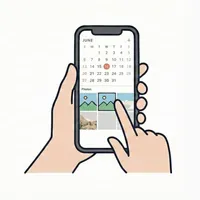
Select a photo
Tap a date on the calendar and select a photo from your library.
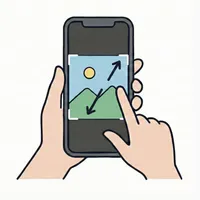
Adjust position
Adjust position by dragging, and zoom by pinching. You can crop any part you like.
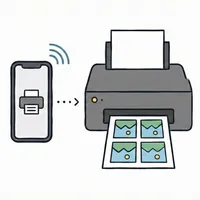
Print as PDF
Choose paper size and print. Only days with photos are printed together.
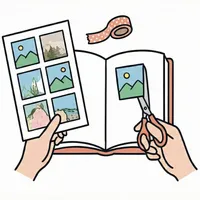
Paste in planner
Cut along the guide lines and paste into your favorite planner.